
- Project team
- Product Design Engineer
- Year
- 2026

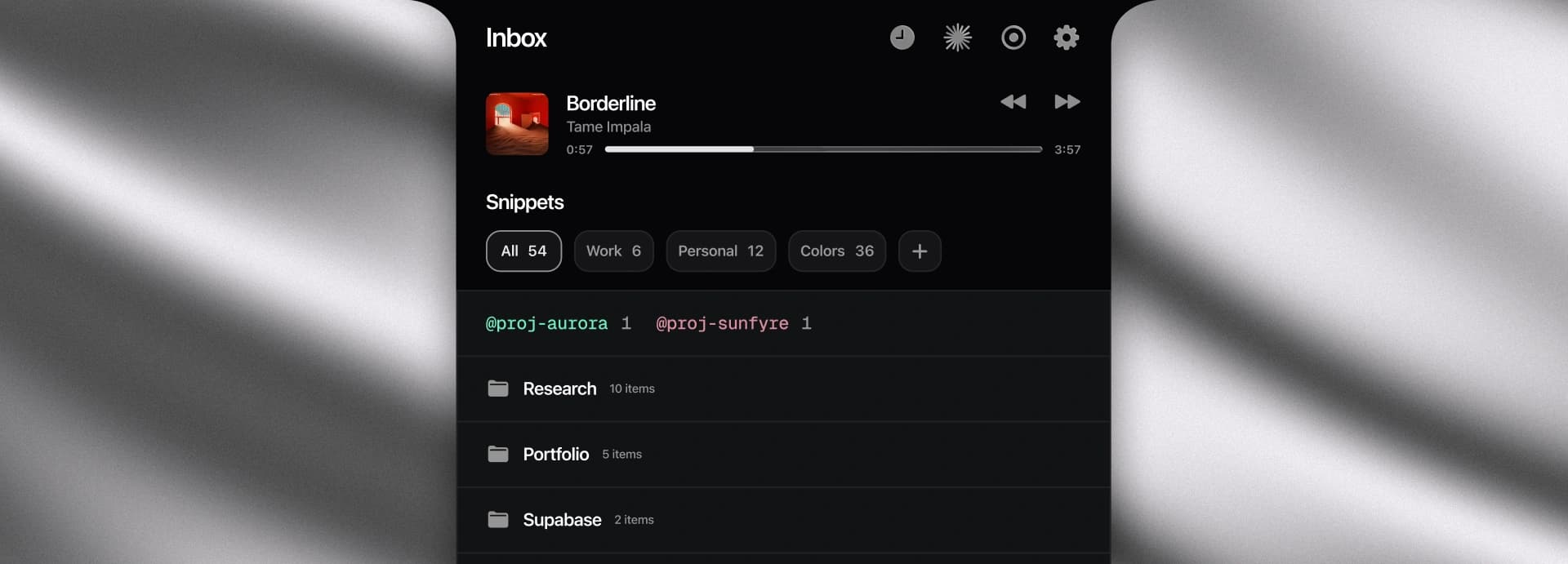
The notch had one job. Now it has a few.
A private, local-first surface for capturing thoughts and keeping small desk utilities close without leaving the work in front of me.
Stack







Notch Capture is a small Mac app that unfolds from the black cutout at the top of the screen. It started as a faster way to save a thought, then grew into the place I reach for the other tiny things that interrupt a work session: reusable text, music controls, a focus timer, a webcam check, and desk-light adjustments. I designed and built it solo over two sprints.
Thoughts don't wait for the right app.
The best ideas have terrible timing. They show up mid-task, and the moment I switch to a notes app to save one, I've traded the thing I was doing for the thing I just thought of. What I kept wanting wasn't a better notes app — it was a shorter distance between thinking something and having it written down.
It lives in the notch.
The notch is the one part of the screen no window uses, which makes it the right front door. Control–Shift–N opens the inbox and Escape dismisses it. There is no Dock icon, menu-bar item, or separate window to find, so opening the app feels like a quick detour instead of a context switch.
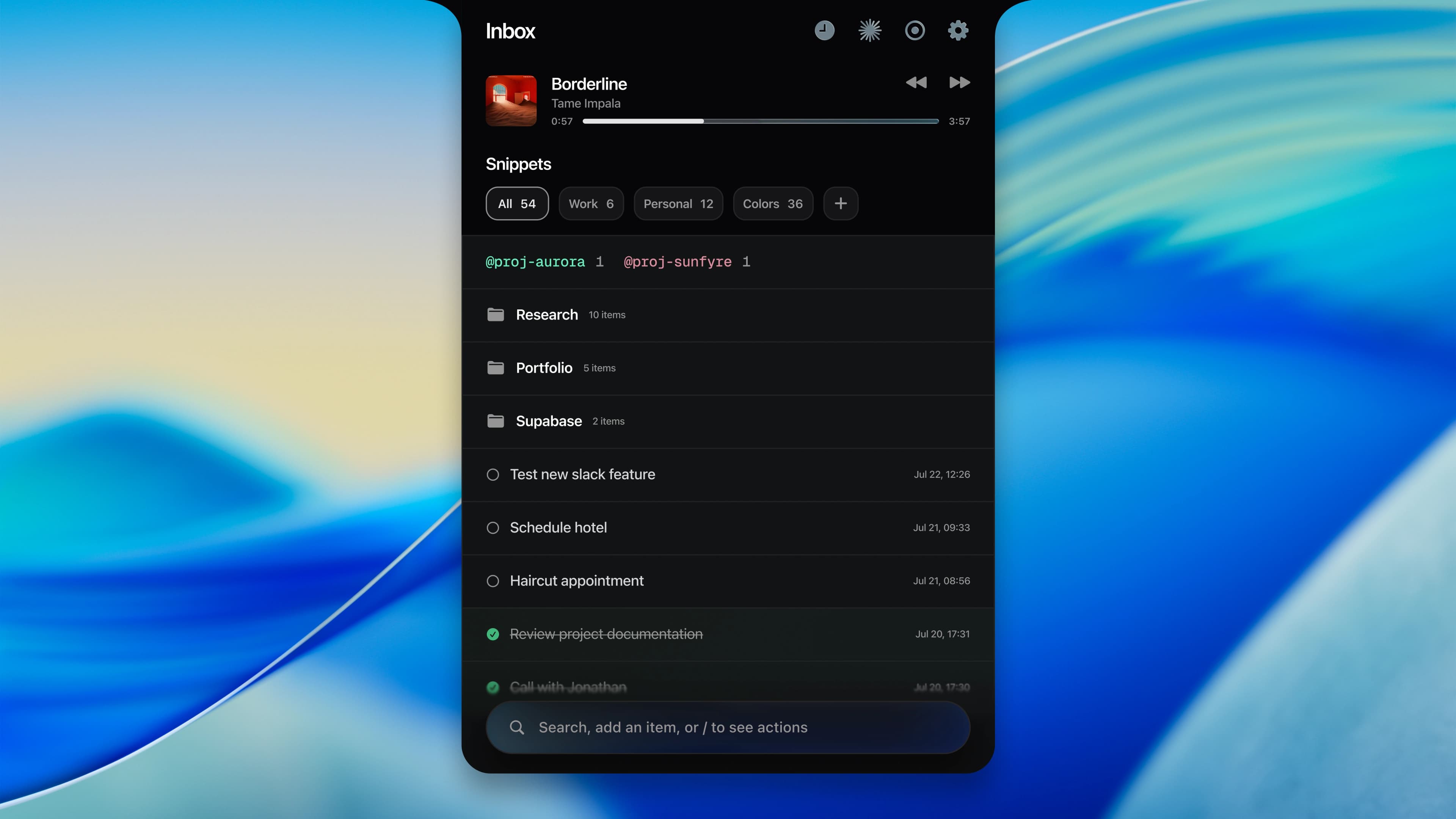
One surface to capture and retrieve.
The composer does both jobs: typing filters the ledger live, while Return saves new text as an item. Above it, folders keep larger collections legible and colored tags make projects easy to scan. Reusable snippets sit in their own shelf with categories and counts, close enough to copy without digging through the full list.
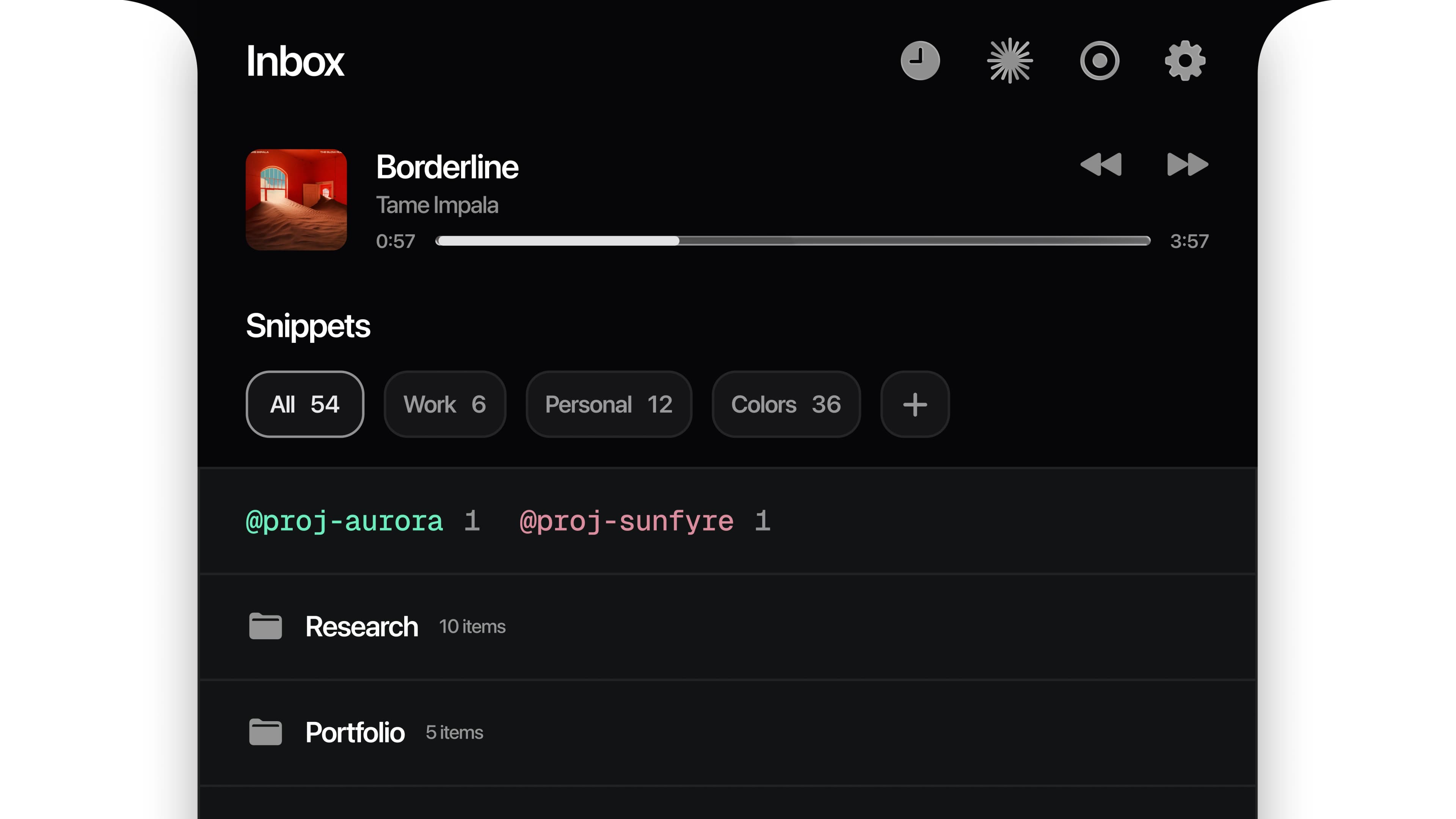
Actions stay in the composer.
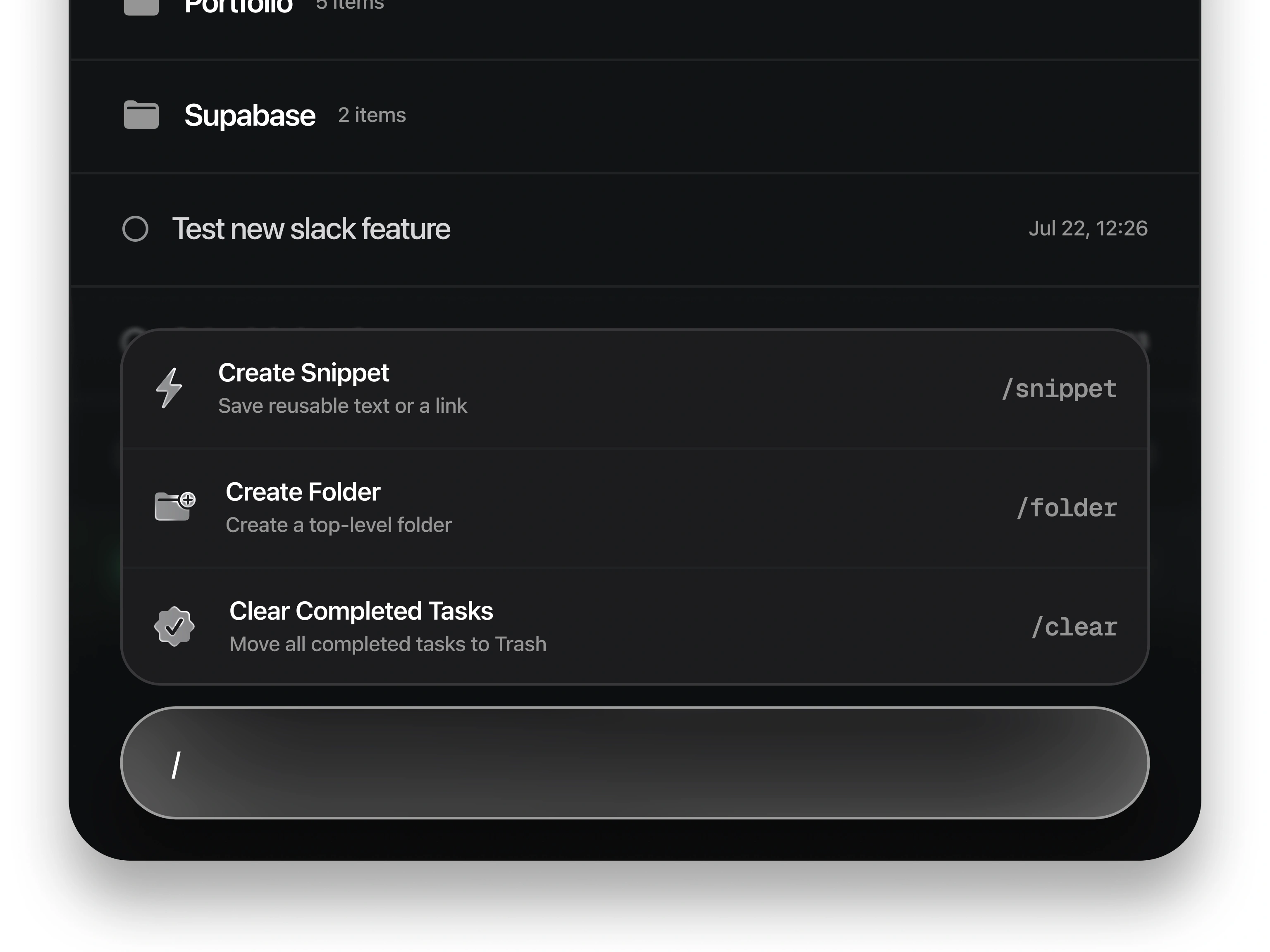
Typing / turns the same composer into a command palette. From there I can create a reusable snippet, add a top-level folder, or clear completed tasks without adding permanent controls to the interface. The commands explain themselves and keep their shortcuts visible, so the feature is discoverable without making the default view noisy.
Focus tools are one click away.
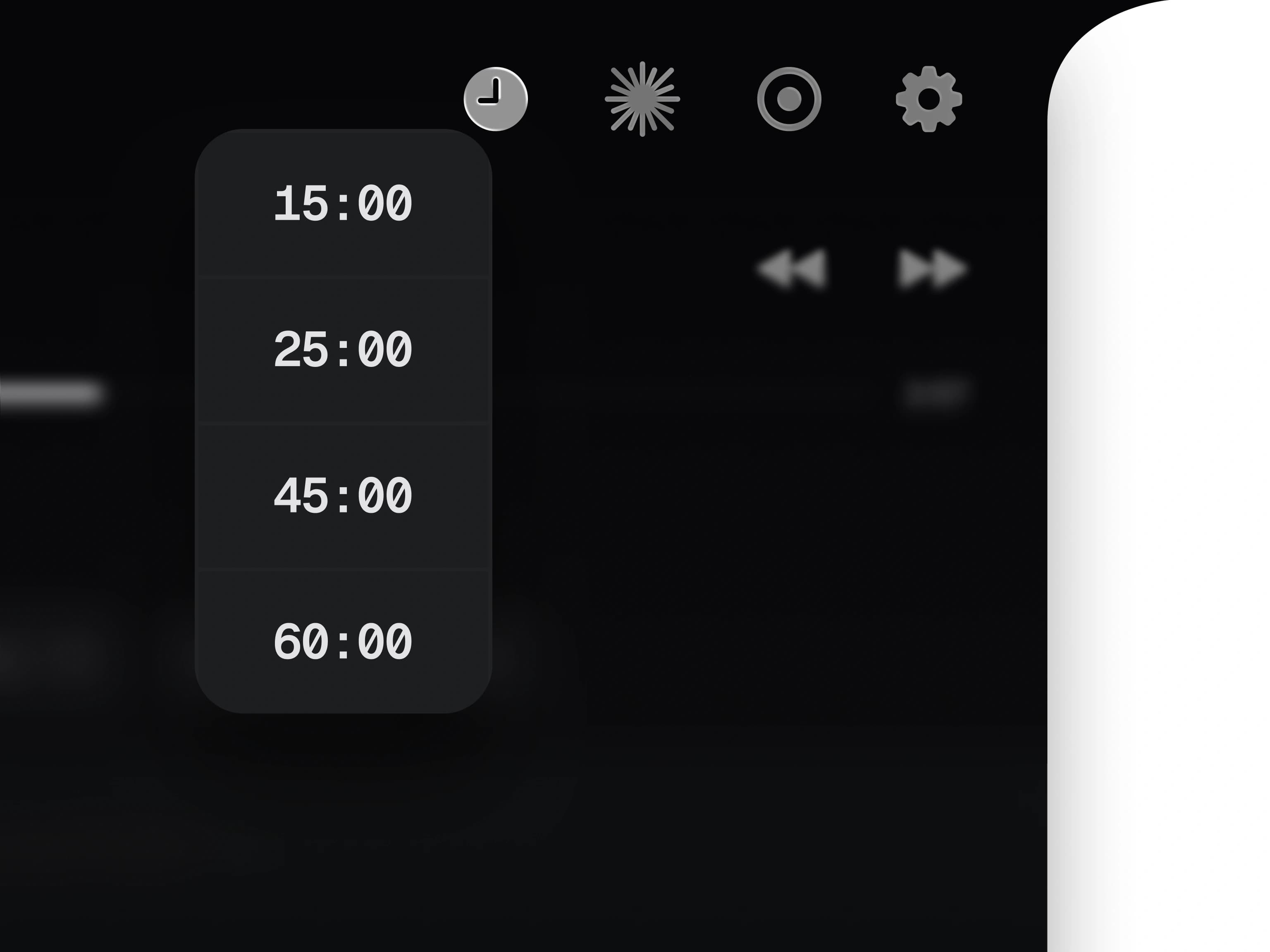
A small shelf in the header switches between the inbox, timer, light, mirror, and settings. The timer offers 15, 25, 45, and 60-minute presets, then stays visible in the notch while it runs. Music playback lives beside it, with album art, track information, transport controls, and a draggable progress bar.
Useful even when the inbox is closed.
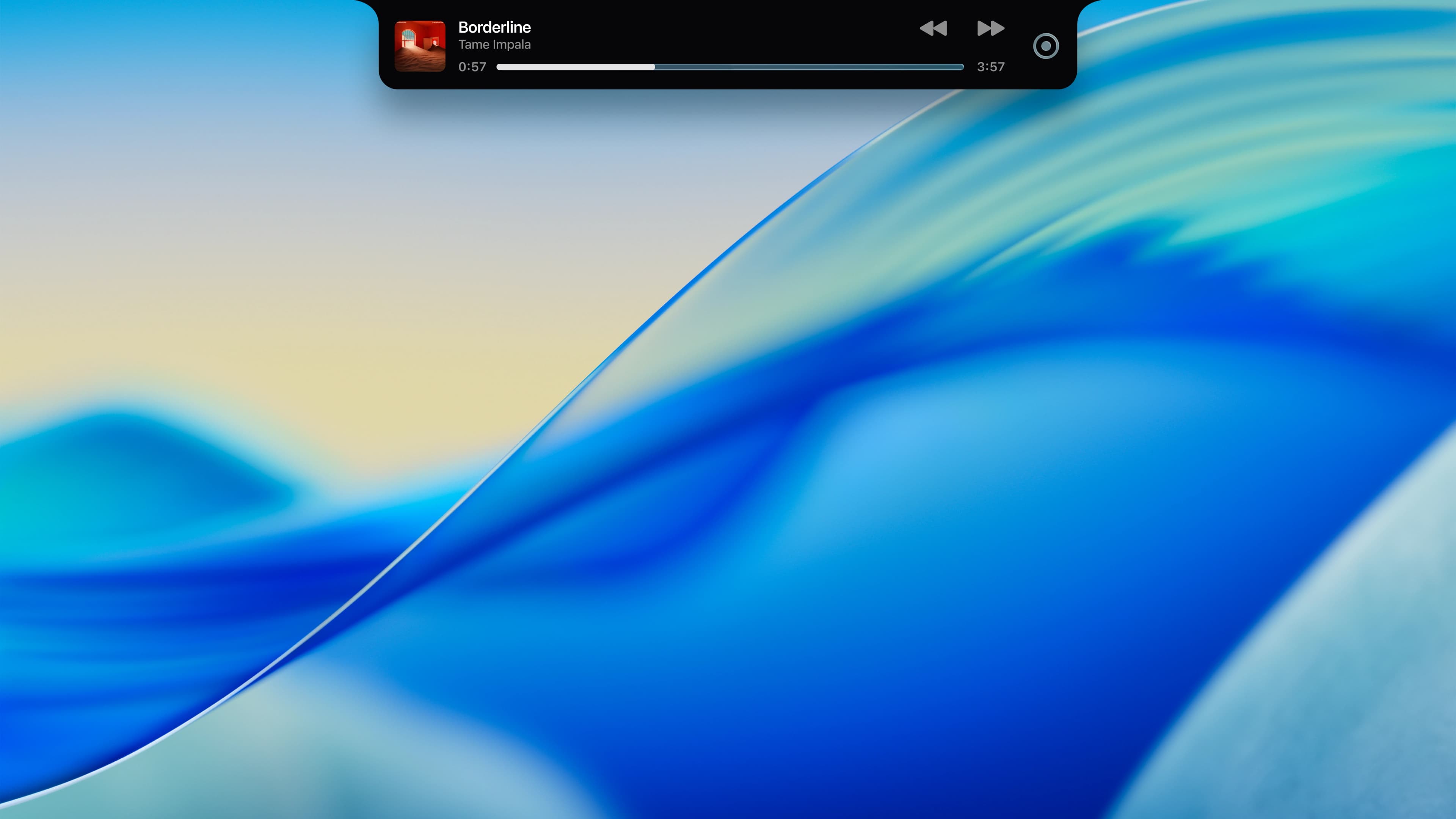
Collapsing the inbox does not hide what is active. The compact pill keeps the current track, playback controls, and progress visible without taking over the desktop. The app can shrink to this lightweight state between captures, then expand back into the full inbox from the same place.
A quick check before the call.
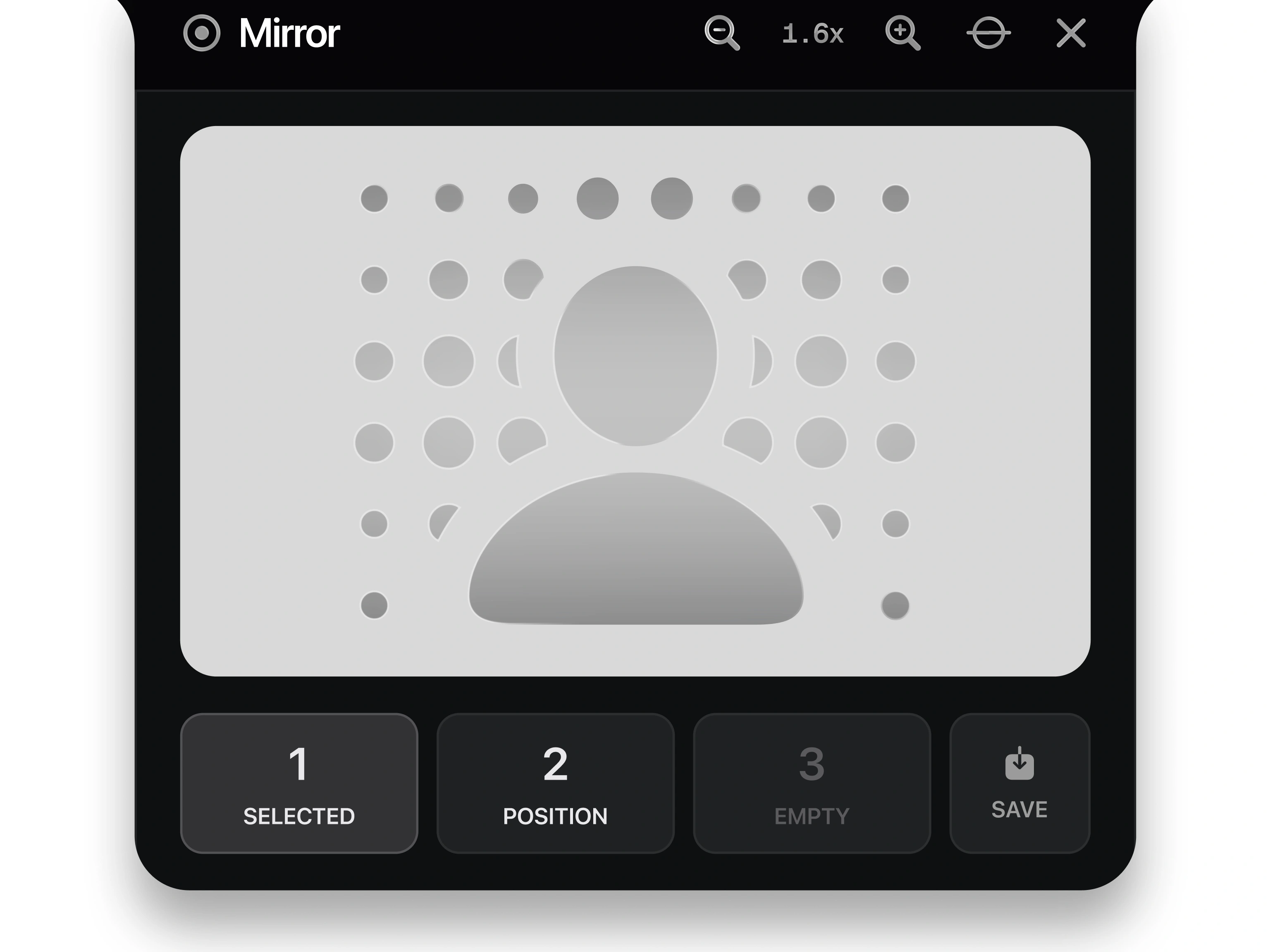
The mirror turns the notch into a live webcam preview without recording or saving anything. Compatible cameras expose zoom, recentering, drag-to-aim, and three framing slots, so a preferred crop can be saved and recalled per camera.
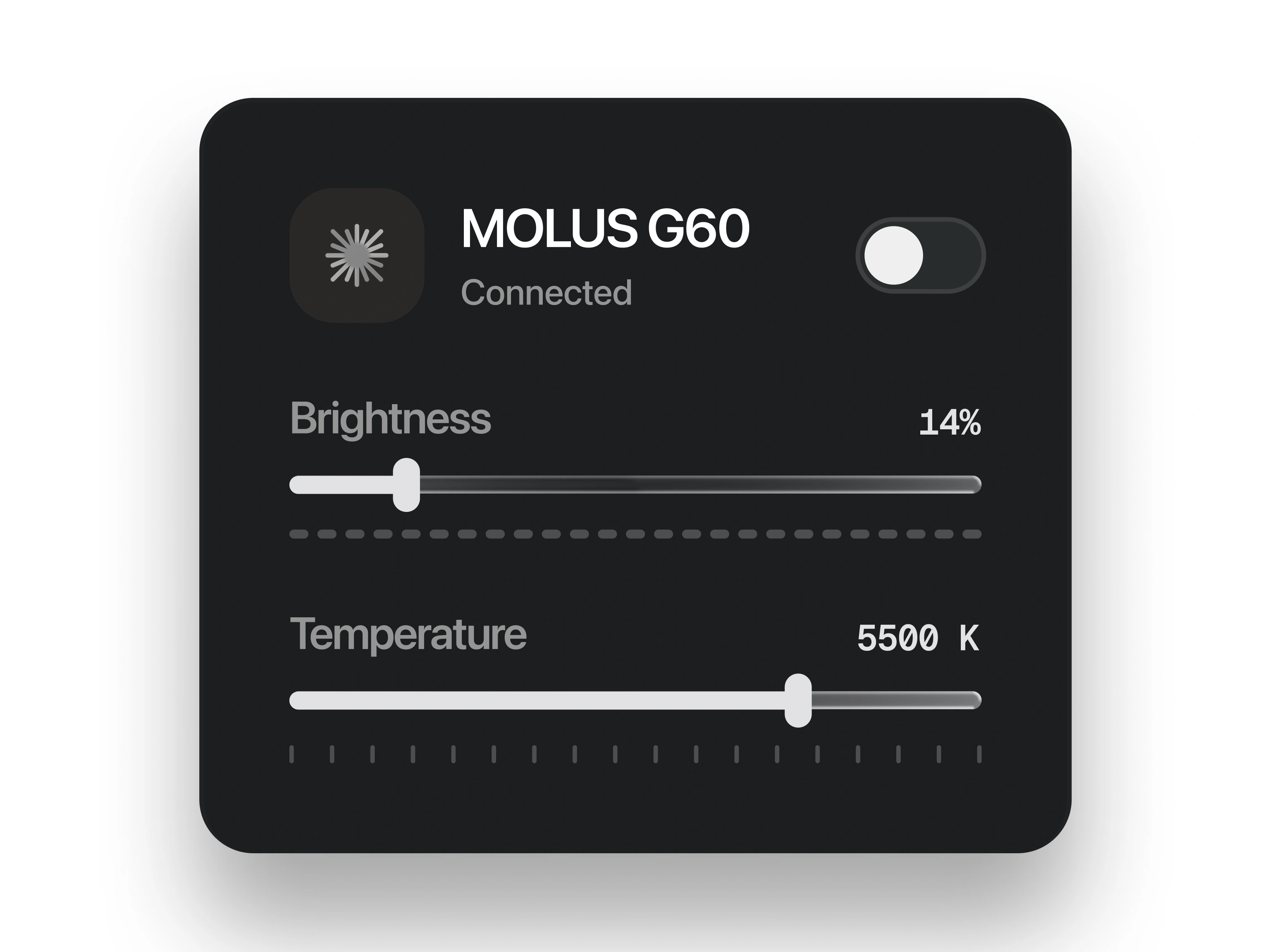
The neighboring light panel controls a connected MOLUS G60 from the same shelf. Power, brightness, and color temperature stay together, which means the camera and the light can be checked without opening two more utilities before a call.
Yours, on your machine.
Everything in the inbox is stored locally in SwiftData. There is no account, cloud sync, or analytics, and the mirror feed is drawn on screen and discarded. The app only reaches the network for album art, link previews at capture time, and its own updates. The library can be exported as a portable package and imported again with duplicate detection.
Next project
Bags
2023 - 2026A financial platform that helps business owners actually get their numbers, tidy up the books, and find funding to grow.
www.securebags.com